All industries
11 / 12

Energy & Utilities

Fuller patrols, earlier warnings, clearer repair records

Utility assets are spread across lines, stations and pipe networks, and reviewing patrol images, reading meters and writing up repairs still fall to people. There is plenty of data but little comparison. We start by clarifying patrol rules and maintenance standards, then let models do the looking, calculating and note-taking while operators keep the key decisions.
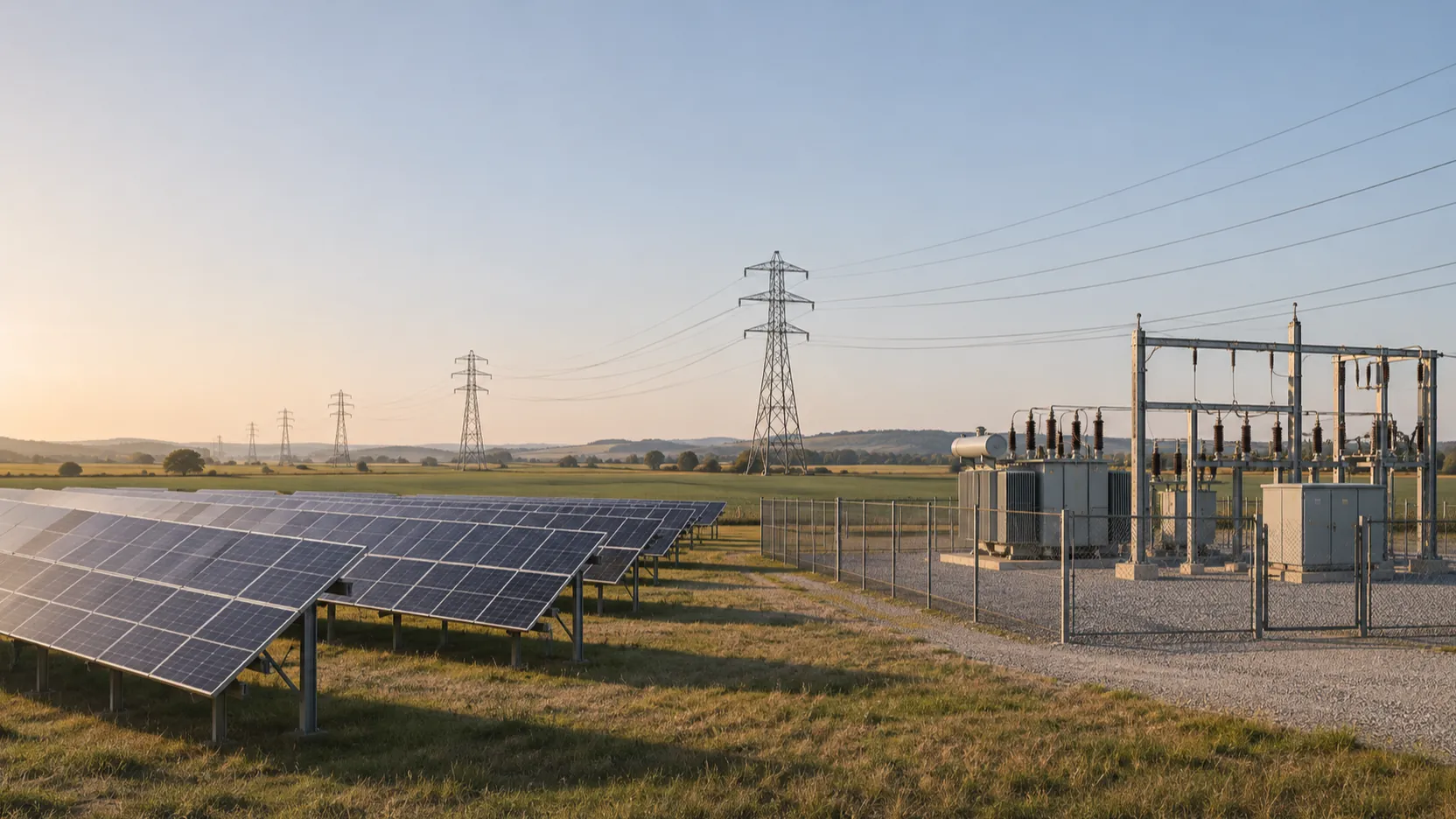
Where the process breaks

First, be clear about what goes wrong.

  1. 01

    Too many images to review

    Every drone or camera patrol brings back a pile of images. People can only sample them, defects hide in the ones nobody opened, and the more tired the reviewer, the more gets missed.

  2. 02

    Old gauge readings go unchecked

    Many sites still have gauges that are not networked. Readings are filed and never compared, so slow changes in temperature or pressure go unnoticed until an alarm trips or equipment stops.

  3. 03

    Know-how stays with veterans

    Fault finding and emergency repair lean heavily on senior technicians. Manuals are thick and equipment models vary, so newer staff phone someone when unsure, and the knowledge leaves when veterans retire.

Process map

First see how work flows in this industry, then mark where AI can step in.

11Energy Operations
01Asset Patrol
  • Drone image defect spotting
  • Solar panel soiling checks
  • Pipeline surface checks
02Station Monitoring
  • Gauge reading by camera
  • Indicator light status
  • Abnormal reading alerts
03Maintenance
  • Heat and vibration trends
  • Early fault warnings
  • Repair schedule planning
04Load Planning
  • Load and usage forecasts
  • Weather impact adjustment
  • Peak period alerts
05Field Repair
  • Outage report intake
  • Voice notes on site
  • Procedure Q&A
01

Defect spotting in patrol images

VisionEdge

The problemLines, pipelines and solar arrays are patrolled on foot or reviewed from drone footage. Inspectors scroll through thousands of images, fatigue leads to misses, and defects are logged in different ways.

BeforeAfter
01Walk the line or scroll every drone image
01Drone and camera images pre-screened automatically
02Screenshot and mark defects by hand
02Suspected defects boxed by type
03Defects logged in personal formats
03Defects logged in one standard format
04Repairs scheduled after manual roll-up
04Repairs ordered by severity

How it runs on site

When a drone patrol lands, the model on the ground station runs through the images first and boxes likely broken insulators and corrosion by type. That afternoon the inspector reviews only the boxed images, confirming or rejecting each, and confirmed defects go into the register in one format. At the next morning briefing the crew lead ranks repairs by severity, and misjudged images go back into the sample set.

How it is done

  1. 01Work from the existing patrol rules to list the defects to look for, such as damaged insulators, corrosion, solar hot spots and shading.
  2. 02Pick defect and normal samples from past visible and infrared patrol images, and agree on labels and severity grades.
  3. 03Run the vision model on the drone ground station or an edge device for first-pass screening, with bulk re-checks done in the cloud.
  4. 04Inspectors confirm each flagged defect, wrong calls go back into training, and new samples are added for new equipment and each season.

What changes

  • From sampling images to checking every one
  • Defect records consistent and traceable
  • Repair order based on clear severity

Who does what

  • Patrol inspectorConfirms each flagged defect, adds field context and logs it in the register
  • Crew leadRechecks defect grades and schedules repairs and crews by severity
  • O&M managerReviews defect patterns and repair progress, and sets patrol cycles and priority sections

What you need

  • Past visible and infrared patrol images
  • Patrol procedures and defect types
  • Defect severity grading rules
  • Drone ground station or edge device

What it will not do

  • It only screens images; grading and outage decisions stay with people
  • It does not replace climbing and close-up checks required by procedure
02

Station gauge reading and fault warnings

VisionEdgeForecasting

The problemMany older gauges in substations and pump stations are not networked, so operators read them on rounds. Readings are filed but rarely compared, slow drifts in temperature or pressure go unnoticed, and problems show up as outages.

BeforeAfter
01Operators read gauges on scheduled rounds
01Fixed cameras read gauges on schedule
02Readings handwritten, then typed in
02Readings saved to the operating log
03Readings filed, never compared
03Model compares history to spot drifts
04Causes investigated after equipment trips
04Maintenance prompted before a trip

How it runs on site

On the night shift, fixed cameras read each gauge on schedule and readings flow into the operating log. In the small hours one transformer's oil temperature runs higher than usual for the load, still within range, and the model flags it against history. The duty operator pulls up the image, confirms the reading and notes it for handover. Next day maintenance staff inspect on site, schedule work, and record the outcome so thresholds can be tuned.

How it is done

  1. 01List non-networked gauges and critical equipment, with each gauge's normal range and reading frequency.
  2. 02Collect gauge and indicator light images as samples, and pull together past operating data and fault records.
  3. 03A vision model reads gauges on an in-station edge device so images stay on site; a forecasting model looks for unusual trends in readings and operating conditions.
  4. 04Operators verify each warning on site before deciding on repairs, and the causes of false alarms are logged to tune thresholds.

What changes

  • Continuous readings without replacing old gauges
  • Drifts spotted before they cause outages
  • Maintenance plans backed by data

Who does what

  • Duty operatorChecks the image when alerted, records the reading and reports it as required
  • Maintenance staffVerifies warnings on site, decides on maintenance and records what they found
  • Station managerReviews trends and maintenance plans, and sets thresholds and inspection frequency

What you need

  • List of non-networked gauges
  • Normal range for each gauge
  • Sample images of dials and lamps
  • Operating and fault history

What it will not do

  • It reads and alerts only, never operating equipment remotely
  • It does not replace protection devices or existing alarm systems
03

Load and usage forecasting

Forecasting

The problemLoad and usage forecasts often come from dispatchers reading past curves and adding experience. Sudden weather, holidays or new connections throw them off, leaving reserves either too tight or too loose.

BeforeAfter
01Dispatcher checks last year's curves
01Model forecasts from history and weather
02Weather effect adjusted by gut feel
02Holidays and special days adjusted separately
03Next-day plan filled in by hand
03Forecast comes with a likely range
04Last-minute fixes when forecasts miss
04Actual gaps logged for review

How it runs on site

Each afternoon, before the next day's plan is drawn up, the model has already produced a forecast curve and likely range from load history and the latest weather. The dispatcher sees a sharp cold snap falling on the eve of a holiday, checks the model's special-day adjustment, factors in planned outages, and submits. After the day ends, actual load is written back and the biggest misses are marked for the weekly review.

How it is done

  1. 01Map current forecasting rules, submission deadlines and users, and decide whether forecasts are hourly or daily.
  2. 02Gather historical load, weather, calendar and customer change data, and clean up gaps and bad records.
  3. 03A time-series forecasting model runs on the internal network or in the cloud, delivering forecasts and likely ranges on schedule each day.
  4. 04Dispatchers confirm forecasts against conditions on the ground before submitting, and regular reviews of forecast versus actual guide adjustments.

What changes

  • Forecasts grounded in data, not just experience
  • Special days planned for in advance
  • Every miss has a review on record

Who does what

  • DispatcherConfirms or adjusts the forecast with field knowledge and submits on time
  • Planning analystCompares forecast with actuals, finds causes and adjusts data and model
  • Dispatch headReviews forecast misses and decides reserve arrangements and forecast scope

What you need

  • Historical load or usage data
  • Weather and holiday calendar
  • Customer connection changes
  • Current forecast scope and deadlines

What it will not do

  • Forecasts are a reference; dispatchers still own submissions and decisions
  • In extreme weather or emergencies, field judgment takes priority
04

Voice repair notes and procedure Q&A

SpeechLanguage

The problemRepair crews work in gloves and at height, so typing is impractical and notes get written up later with details lost. On unfamiliar equipment they dig through manuals or phone a senior colleague.

BeforeAfter
01Notes written up after the job
01Spoken notes become records on site
02Details lost to memory
02Template fills in time, place and action
03Procedures looked up in paper manuals
03Ask aloud to find the procedure
04Phone someone when unsure
04Answers cite the source for checking

How it runs on site

On a night call-out, the repair crew sets up safety measures under the work permit and starts work, describing findings and steps into a headset as they go. Faced with an unfamiliar switchgear model, the technician asks out loud and the system reads back the relevant procedure with its source. Back in the van, the narration is already a draft repair record; the technician fills in a few details and submits, and the crew lead reviews and files it the next day.

How it is done

  1. 01Gather repair record templates, operating procedures and common fault fixes, and settle on shared terms.
  2. 02Turn procedures and past records into a searchable knowledge base, marking versions and the equipment each applies to.
  3. 03A speech model transcribes spoken notes, a text model drafts records and answers from the knowledge base, with offline recognition where signal is weak.
  4. 04Answers quote the procedure and its source only; work still follows safety rules and permits. Supervisors review records, and the knowledge base updates with each procedure change.

What changes

  • Repair records captured on the spot
  • Procedures on demand, with sources
  • Senior crews' know-how kept on record

Who does what

  • Repair technicianNarrates findings and steps on site, then checks and completes the draft record
  • Crew leadReviews repair records and checks the work followed procedure
  • O&M managerReviews fault types and lessons learned, and arranges procedure updates and training

What you need

  • Current repair record template
  • Current procedures and manuals
  • Typical fault handling records
  • Headsets or phones for field use

What it will not do

  • It quotes procedures with sources and never replaces permits or safety measures
  • It does not decide whether live work or re-energising is safe

Where to start

If you can only do one thing, start with reading station gauges. The gauges are already there, a camera reads them without modifying equipment, and anyone can check a reading at a glance, so the risk is low and results show quickly. Do not replace the current forecasting process yet, since it carries reporting and dispatch responsibility, and wait on repair Q&A until procedures are organised.

Common questions

What owners and floor managers ask most.

Should we replace old gauges with smart meters first?

Not necessarily. Camera reading exists so that old gauges can stay as they are, as long as the dial can be seen clearly. If you were already planning a large replacement, networked meters give steadier data and make camera reading unnecessary.

Will station footage and data leave the site?

Gauge reading runs on an edge device inside the station, so footage stays there and only readings go into the operating log. Bulk image review and load forecasting can run on your internal network; whether to use the cloud is your call under your security rules, and we follow your existing network zoning.

What if the model's warning is wrong?

There will be false alarms and misses, so every warning is checked on site by maintenance staff before anyone decides to act, and the model never operates equipment. False alarms are logged to adjust thresholds and add samples, while existing protection and patrol rules stay in place.

When is this not worth doing?

Stations that are fully networked with a complete monitoring system gain little from camera reading, and lines small enough for people to review do not need image screening yet. If too much load history is missing, fill the gaps before building a forecast.

Your situation

What is your pain point?

Every business runs differently. The solutions above are only the common patterns in this industry. Tell us the one step that hurts most and we will look at your actual case, starting with whether AI is the right fit.

Email us directlyhao@wallingtech.cn
We only use what you submit to reply to this enquiry.