All industries
02 / 12

Restaurant Chains

Turn kitchen standards into checks you can see every day

Chains run many stores with high staff turnover; routines depend on managers watching, auditors spot-checking and prep on gut feel. We first write down kitchen, plating and audit standards, then use vision, forecasting, speech and language models for checks and records, with managers and auditors reviewing.
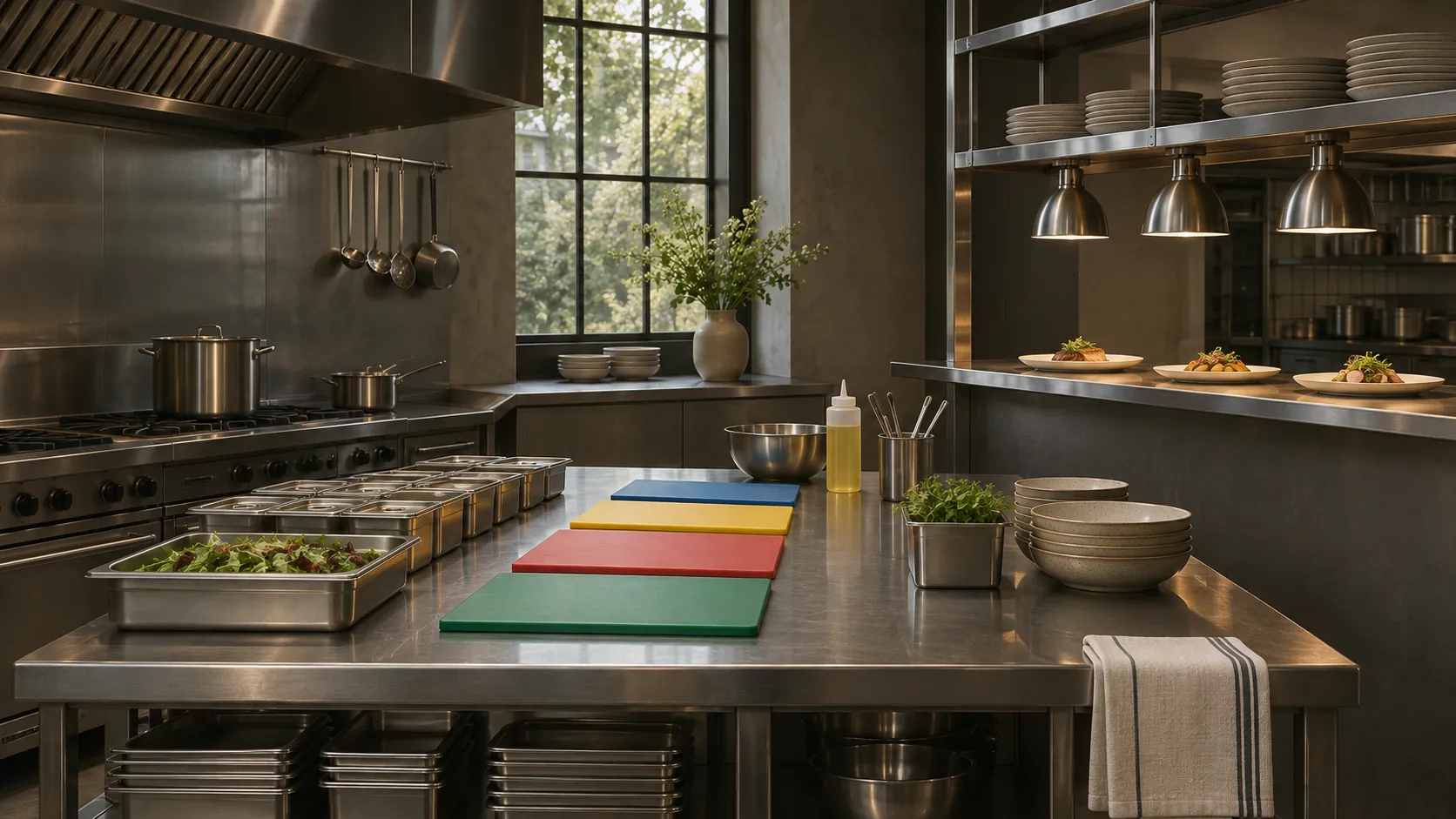
Where the process breaks

First, be clear about what goes wrong.

  1. 01

    Standards depend on someone watching

    Hand-washing, raw-cooked separation and portions hold up while the manager watches, then slip when they're busy or the auditor leaves. As the chain grows, watching in person simply doesn't scale.

  2. 02

    Prep runs on guesswork

    How much to prep and order is the manager's call, based on the weather and memory. Over-guess and food is binned; under-guess and dishes run out at peak. When the manager leaves, the know-how leaves too.

  3. 03

    Issues logged, never followed up

    Audit findings sit in separate reports that reach stores late, and nobody checks whether they were fixed. The same problem keeps turning up across stores while training stays the same.

Process map

First see how work flows in this industry, then mark where AI can step in.

02Store Operations
01Ordering
  • Order by sales forecast
  • Adjust for holidays, weather
  • Auto-draft order lists
02Receiving & Prep
  • Photo-check deliveries
  • Prep by forecast
  • Flag near-expiry stock
03Kitchen Work
  • Hand-washing and hairnet checks
  • Raw-cooked separation checks
  • Surface cleanliness checks
04Serving
  • Plating vs. reference photo
  • Portion size checks
  • Flag missing sides
05Audits & Training
  • Voice-logged store audits
  • Auto-compiled audit reports
  • Turn issues into training
01

Camera checks for kitchen hygiene routines

VisionEdge

The problemHand-washing, hairnets and keeping raw and cooked food apart rely on managers watching and occasional audits. Standards slip once the auditor leaves, and problems often surface only at a food safety inspection or through a complaint.

BeforeAfter
01Managers can't watch the kitchen when busy
01Kitchen cameras check routines all day
02Auditors spot-check now and then
02Watches actions only, no face recognition
03Issues noted by eye and memory
03Lapses saved as snapshots
04Nobody follows up on fixes
04Managers review alerts and follow up daily

How it runs on site

In the busy prep before the lunch rush, a cook finishes with raw meat and turns to slice a cold dish. The in-store edge device sees a raw-meat board in the cooked-food area and sends an alert with a snapshot to the manager's phone. The manager steps into the kitchen, has the board swapped and marks the alert as handled. Before closing, the manager scans the day's alerts, spots a false alarm and flags it as a new example.

How it is done

  1. 01Go through food safety rules and the operations manual to pick items a camera can see, such as hand-washing, hairnets and separate boards.
  2. 02Record pass and fail examples for each item and fix camera positions and the areas each one should watch.
  3. 03A vision model runs on an edge device in the store, so footage stays on site and only actions and objects are recognized, never faces.
  4. 04Managers review each alert and feed false alarms back; results guide training and are never used for attendance or blame.

What changes

  • From spot checks to all-day checks
  • Footage stays in store, no face recognition
  • Every issue has a snapshot on file

Who does what

  • Kitchen staffFollow the routines, correct lapses on the spot when the manager flags them and speak up about false alarms
  • Store managerReview alerts daily, deal with real issues and flag false alarms as new examples
  • Area operations managerUse trends in alert types across stores to plan training, never to rate individuals

What you need

  • Existing kitchen cameras
  • Food safety rules and operations manual
  • Pass and fail example footage
  • An in-store edge device

What it will not do

  • No face recognition, no attendance tracking, no fines or blame
  • Checks only what a camera can see; food temperatures are still measured as before
02

Camera checks for plating and portions

VisionEdge

The problemThe same dish looks different from store to store and shift to shift. Generous portions eat into margins and small ones draw complaints, yet nobody compares dishes with the reference photo during the rush, so customers become the check.

BeforeAfter
01Cooks plate by feel
01A camera above the pass captures each dish
02Reference photos on the wall go unchecked
02The model compares plating with the reference
03No checks during the rush
03Short portions flagged on the spot
04Portion issues surface through customer feedback
04Issues summarized by dish for the head chef

How it runs on site

At the height of dinner service, a cook sets a plate on the pass, the overhead camera captures it, and the model, checking against the reference photo, sees a missing side. The screen at the pass lights up, the runner holds the plate and the cook adds the side before it goes out, with barely a pause. After service, the head chef sees the same dish flagged several times and schedules a plating demo at the next pre-shift briefing.

How it is done

  1. 01Work with the menu team and head chefs to set a reference photo per dish, noting where mains, sides and sauces go and how much.
  2. 02Shoot good and off-spec examples and turn portion size into visible cues, such as how much of the plate is covered.
  3. 03A vision model runs on an edge device at the pass, judging each dish on site without slowing service.
  4. 04Head chefs review the flags, reference photos are updated with each menu change and problem dishes get retraining.

What changes

  • Dishes look the same across stores
  • Portion errors corrected at the pass
  • New dishes launch with one standard

Who does what

  • Line cookFix or re-plate the dish as soon as it's flagged, then send it out
  • Head chefReview the shift's flags, weed out false alarms and arrange demos for dishes that keep going wrong
  • Culinary managerKeep reference photos in step with the menu and plan training around deviations by store and dish

What you need

  • A reference photo for every dish
  • Good and off-spec example photos
  • A camera above the pass
  • An alert screen at the pass

What it will not do

  • Judges by appearance only; doesn't weigh food or judge taste
  • Alerts never block service; cooks and the head chef make the call
03

Forecast sales to prep the right amount

Forecasting

The problemPrep and ordering depend on the manager's estimate. Too much ends up in the bin, too little runs out at peak, holidays and weather make guessing harder, and nobody can say clearly how much each store wastes.

BeforeAfter
01Managers estimate prep by experience
01Daily dish demand forecast from sales history
02Order lists filled in by hand
02Order suggestions generated from the forecast
03Holidays and weather are guesswork
03Holidays, weather and promotions built in
04Waste tallied only at month end
04Daily waste logged and checked against forecast

How it runs on site

After closing, the manager opens the ordering page. The model has already combined sales history, tomorrow being a weekend and a rain forecast to suggest portions per dish and ingredient orders. Knowing about an event nearby, the manager nudges a few main ingredients up, notes why and submits. The next day the prep cook works to the suggested amounts and logs waste at closing, and the weekly review shows plainly how forecast and reality compare.

How it is done

  1. 01Map how stores order, prep and log waste today, and agree one recipe mapping from dishes to ingredients.
  2. 02Clean up till sales and waste records and tag the drivers that matter, such as holidays, weather and promotions.
  3. 03A cloud-hosted forecasting model predicts demand by store and dish, then converts it into prep quantities and order suggestions.
  4. 04Managers can adjust suggestions and note why; forecasts are compared with actuals weekly to keep improving the model.

What changes

  • Prep based on data, not guesswork
  • Waste is tracked and traceable
  • New managers can order with confidence

Who does what

  • Prep cookPrep to the day's suggested amounts and log leftovers and waste honestly at closing
  • Store managerCheck order suggestions, adjust them for local conditions and note the reason before submitting
  • Area managerCompare forecasts, actuals and waste across stores weekly, then adjust ordering rules and the menu mix

What you need

  • Recent till sales records
  • Dish-to-ingredient recipe map
  • Waste log records
  • Holiday and promotion calendar

What it will not do

  • Suggests quantities only; never places orders with suppliers
  • Last-minute events or outages the model can't know about rest on the manager
04

Store audit reports and training from voice notes

SpeechLanguage

The problemAuditors jot notes as they walk the store and write reports later, so feedback reaches stores late. Findings sit scattered across reports, and training material falls behind the problems stores actually face.

BeforeAfter
01Auditors take handwritten notes
01Auditors speak notes as they walk
02Reports written up afterwards
02The model files notes into the audit form
03Issues scattered across reports
03Issues grouped by type across stores
04Training material rarely changes
04Frequent issues turned into short training

How it runs on site

Walking the store, the auditor talks into a phone: the cold room door seal is torn and cartons are stacked under the prep table. By the time they leave, the model has filed the notes into the audit form, sorted them by issue and linked each to the relevant standard. The auditor checks it in the car, fixes one phrase and sends it to the store manager. At month end, the training lead sees stacked cartons in several stores and turns it into a short lesson.

How it is done

  1. 01Review the audit form with operations and agree on check items, scoring rules and issue categories.
  2. 02Turn past audit reports into examples and link each issue category to the operating standard it relates to.
  3. 03A speech model transcribes the notes; a cloud-hosted language model fills the form, tags issues and drafts training points.
  4. 04Auditors approve each report before it goes out, the training lead reviews materials and recurring issues are tracked over time.

What changes

  • Reports no longer sit waiting
  • Shared problems across stores become visible
  • Training follows real store issues

Who does what

  • Field auditorSpeak findings while walking the store, then check the report and approve it for the store before leaving
  • Training leadReview the training points the model drafts and turn them into short material stores can use directly
  • Operations managerTrack how issue categories shift across stores each month and set audit priorities and standard changes

What you need

  • Current store audit form
  • Past audit reports
  • Issue categories linked to standards
  • Auditors' phones

What it will not do

  • Reports go out only after the auditor approves; the model draws no conclusions itself
  • Organizes what the auditor said; never scores or judges the store on its own

Where to start

Start with audit reports. The audit form and past reports already exist, auditors simply talk into a phone, nothing is installed and no staff footage is involved, so problems shared across stores show up quickly. Hold off on all-day kitchen cameras, which involve installation and staff concerns, until standards and communication are settled.

Common questions

What owners and floor managers ask most.

Do we need new cameras in every store?

Not necessarily. We first check whether existing kitchen cameras clearly see the sinks and board areas; those that do are used as they are, and only blind or badly angled spots get new cameras. The model runs on a small box in the store, with no change to tills or ordering systems.

Will staff feel they're being watched?

Some will, so it has to be explained upfront: the system checks actions like hand-washing and hairnets and the items involved, never faces; footage stays in the store; and results are used for training, never attendance or fines. It helps to go through the example footage with staff and take their input before fixing the checks.

What if the forecast is off and we run out?

The forecast only suggests quantities; the manager can change them and the reason is recorded. For things the model can't know, like a last-minute event or sudden weather, the manager's call stands. Forecasts are checked against actuals weekly and problem dishes are tuned, but no forecast is right every day.

When is this not worth doing?

With only a few stores and an owner in the kitchen every day, watching in person may be simpler. If the menu changes constantly, sales records are patchy or stores don't yet follow one recipe, sort out recipes, standards and records first; otherwise the model has nothing to compare against.

Your situation

What is your pain point?

Every business runs differently. The solutions above are only the common patterns in this industry. Tell us the one step that hurts most and we will look at your actual case, starting with whether AI is the right fit.

Email us directlyhao@wallingtech.cn
We only use what you submit to reply to this enquiry.