All industries
10 / 12

Construction & Property

Safer sites, faster repairs, clearer equipment records

Much of construction and property work still runs on walk-arounds, phone photos, handwritten meter logs and phone calls. Records end up scattered and inconsistent, and problems surface late. We start by turning safety rules, inspection points and repair workflows into clear standards, then let models handle the looking, listening and note-taking while people review and decide.
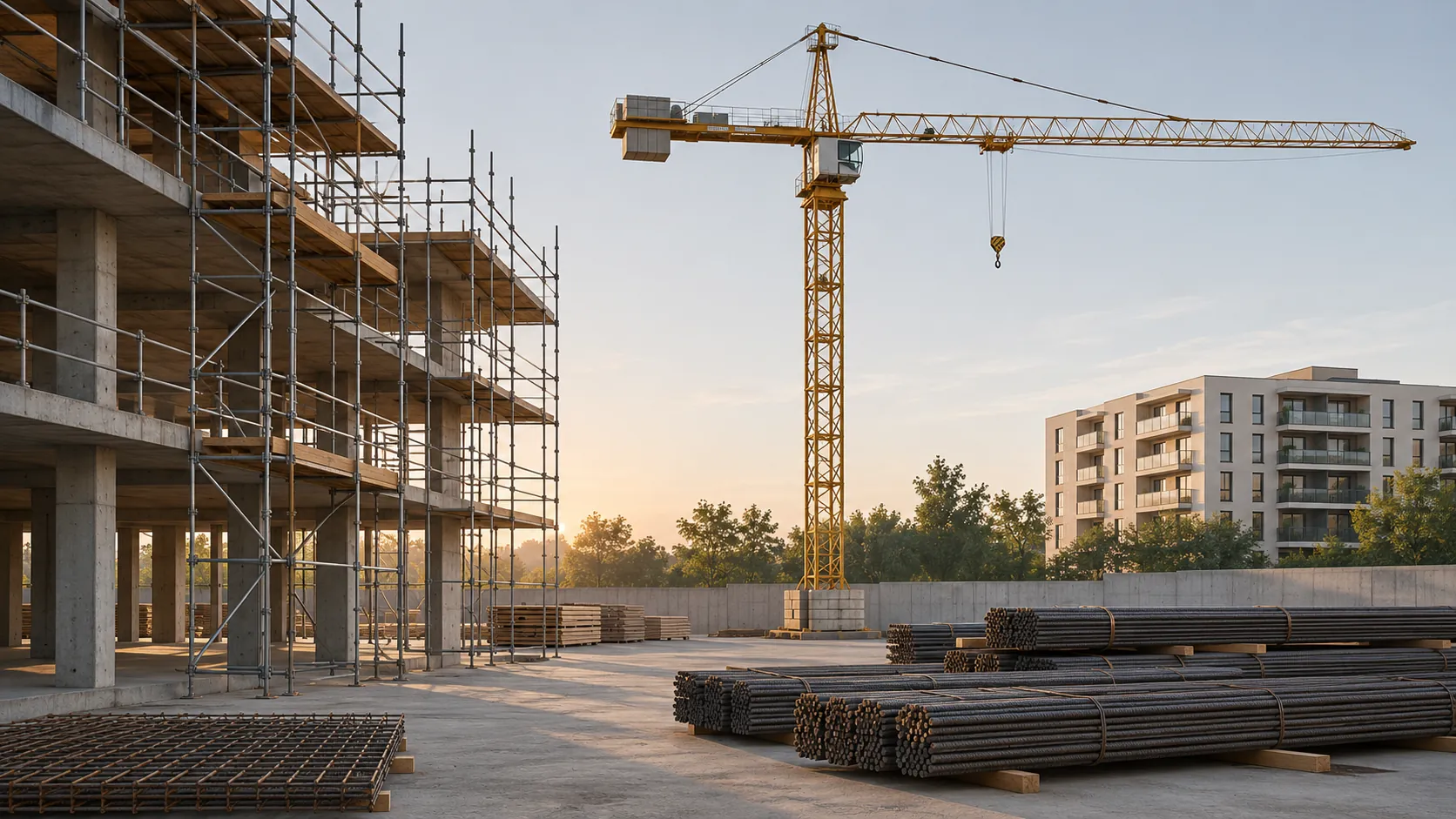
Where the process breaks

First, be clear about what goes wrong.

  1. 01

    Records live on personal phones

    Inspection photos, rework notices and repair notes sit in personal phones and chat groups. When someone changes posts the trail breaks, and finding evidence means scrolling back through old chats.

  2. 02

    Problems surface too late

    Safety hazards, build deviations and equipment faults are mostly caught on scheduled rounds. Nobody is watching in between, so by the time they are spotted it often means rework, downtime or a claim.

  3. 03

    Standards stay on paper

    The rules and acceptance criteria exist, but every crew and inspector reads them differently. The same issue gets reported by one person and ignored by another, so managers rarely see the real picture.

Process map

First see how work flows in this industry, then mark where AI can step in.

10Build & Manage
01Drawings
  • Drawing revision comparison
  • Building code lookup
  • Quantity list checks
02Site Work
  • Site safety checks
  • Progress photo review
  • Daily log drafting
03Handover
  • Snag list sorting
  • Rework order drafting
  • Handover file assembly
04Repair Requests
  • Voice repair intake
  • Ticket sorting and dispatch
  • Repair status updates
05Facility Ops
  • Meter reading from photos
  • Inspection log cleanup
  • Planned maintenance scheduling
01

Camera-based site safety checks

VisionEdge

The problemSafety officers walk the site checking hard hats, edge protection and hot-work watch by eye. Sites are large and shifts overlap, so things get missed and often only come to light afterwards.

BeforeAfter
01Officer walks the site on a schedule
01Cameras watch high-risk areas continuously
02Issues photographed and noted by hand
02Possible violations flagged right away
03Daily report written up at night
03Inspection records compiled automatically
04Crews told to fix it next day
04Crews told to fix it same shift

How it runs on site

When the morning shift starts, crews move in and the on-site edge device begins watching the key zones. Mid-morning it spots someone without a helmet under the tower crane and sends a snapshot to the safety officer, who checks it and tells the crew lead to fix it. At shift handover the day's records are compiled, the officer adds what they found on foot, and signs off.

How it is done

  1. 01Go through the site safety rules and list the checks a camera can judge, such as hard hats, edge guardrails and hot-work watch.
  2. 02Collect compliant and non-compliant footage from the site itself, agree on how each case is judged, and mark which ones always need a person.
  3. 03Run the vision model on an edge box on site. Footage stays local, and it looks only at gear and safety barriers, never faces.
  4. 04Safety officers review every alert; results are not used to track or discipline individuals. Misses and false alarms feed back in, and checks change with each build phase.

What changes

  • From spot checks to continuous watch
  • Hazards found and fixed in the same shift
  • Every check has a photo and timestamp

Who does what

  • Crew leadArranges the fix within the shift after a notice and replies with a photo once done
  • Safety officerReviews each alert, issues a rework notice only if it holds up, and flags false alarms
  • Project managerReviews where hazards cluster and how fixes go, and decides how checks and zones change

What you need

  • Existing site cameras
  • Site safety rules and checklist
  • Compliant and non-compliant sample images
  • On-site edge computing device

What it will not do

  • No face recognition, and results are never used for attendance or penalties
  • It only raises alerts; stopping work is the safety officer's call
02

Progress photos checked against drawings

MultimodalVision

The problemEngineers walk each floor with drawings every week, estimating progress and spotting deviations by eye. Photos sit on personal phones, weekly reports take ages, and the original shot is hard to find when questions come up.

BeforeAfter
01Walk each floor with paper drawings
01Photos taken at set points and uploaded
02Photos kept on personal phones
02Photos filed to the right location
03Progress estimated from experience
03Model flags differences from the drawings
04Weekly report compiled by hand
04Draft weekly report ready for sign-off

How it runs on site

On the weekly walk-through, site staff photograph each floor from the agreed points and upload, and photos are filed to the right part of the building. Overnight a cloud model compares them with the drawings and marks likely omissions, misplacements and delays. Before work starts next day, the site engineer goes through each mark, logs the real ones in the schedule, rejects the rest, and a draft weekly report goes to the project manager.

How it is done

  1. 01Map out milestones and inspection points, and fix which angle to shoot and which elements to check at each one.
  2. 02Turn drawing elements and milestones into a checklist, with example photos of finished and unfinished work.
  3. 03A multimodal model in the cloud reads photos and drawings together and flags likely omissions, misplacements and areas running behind.
  4. 04Site engineers confirm each flag, results go back into the schedule, and photo points are reviewed at every phase.

What changes

  • Progress calls backed by photos and drawings
  • Deviations caught within the week
  • A traceable photo history for every area

Who does what

  • Site staffPhotographs from the point list on schedule and reshoots unclear or badly angled areas
  • Site engineerConfirms each flagged difference, logs real ones in the schedule and arranges follow-up
  • Project managerReviews the draft report, sees where gaps cluster, and adjusts crews and sequencing

What you need

  • Current construction drawings
  • Milestones and inspection points
  • Photo angle guide for each area
  • Sample photos of done and not done

What it will not do

  • It checks whether elements are there and in place, not structural quality
  • Concealed works and quality sign-off still need people on site as required
03

Repair request intake and dispatch

SpeechLanguage

The problemResidents report repairs by phone or group chat while staff take notes by hand. Vague reports mean call-backs, dispatch relies on experience, tickets slip at busy times, and residents keep chasing for updates.

BeforeAfter
01Staff take calls and write notes
01Calls and messages become tickets automatically
02Call back when details are unclear
02Follow-up questions for location and symptoms
03Pick the trade from experience
03Technician suggested by type and area
04Residents call to chase progress
04Residents updated at each key step

How it runs on site

In the evening rush after dinner, a resident calls about a leak in the bathroom. The speech model transcribes as they talk, the text model asks for building, unit and where the water is coming from, then drafts a ticket and suggests a plumber. Customer service checks it and dispatches; if the caller reports something urgent like people trapped in a lift, it goes straight to a person. The resident is notified when the technician arrives and when the job is done.

How it is done

  1. 01Map repair categories, trade responsibilities and response times, and gather the words residents actually use in past tickets.
  2. 02Write the categories and required details into rules, and test the sorting against past tickets.
  3. 03A speech model transcribes calls and a text model pulls out location, symptoms and urgency, running in the cloud and connected to the existing ticket system.
  4. 04Staff confirm each ticket before dispatch, urgent cases always go to a person, and misrouted tickets are reviewed to fix the rules.

What changes

  • Repair details captured the first time
  • Dispatch follows one shared standard
  • Residents always know where things stand

Who does what

  • TechnicianHandles assigned jobs and updates status on the phone on arrival and completion
  • Service deskChecks each drafted ticket before dispatch and handles urgent calls personally
  • Property managerWatches repair types and response times, and adjusts trade assignments and peak rosters

What you need

  • Current ticketing system
  • Past repair tickets and call recordings
  • Repair categories and trade assignments
  • Response times for each repair type

What it will not do

  • Urgent and safety-related calls always go to a person, never the model
  • It records and sorts requests; it does not decide repair costs or liability
04

Facility meter reading from images

VisionEdgeForecasting

The problemTechnicians tour plant rooms and pump rooms reading water, power and pressure gauges, writing values down and keying them in later. Errors and gaps go unnoticed, and worrying trends often show only after a breakdown.

BeforeAfter
01Technician reads every gauge in person
01Phone photo or fixed camera reads gauges
02Readings written in a paper log
02Readings saved straight to the log
03Typed into a spreadsheet back at office
03Out-of-range values flagged on the spot
04Investigate only after equipment fails
04Maintenance planned from reading trends

How it runs on site

On the morning round, the inspector walks into the pump room and photographs the pressure and water meters; readings go straight into the log. One pressure gauge reads out of range, the phone asks for a second look, and the inspector confirms it and notes what they see. Gauges with fixed cameras are read automatically on schedule. At the weekend the engineering supervisor reviews the trends and brings forward maintenance on one pump.

How it is done

  1. 01List the equipment and gauge types on the route, with the normal range and check frequency for each.
  2. 02Photograph each gauge type and label the readings, agreeing on how dial and digital meters are read.
  3. 03A vision model reads gauges on the phone or an edge device in the plant room; a forecasting model spots unusual trends in the history.
  4. 04Uncertain or unusual readings are checked on site by the technician, and normal ranges and maintenance plans are revised each quarter.

What changes

  • Meter rounds go from handwriting to one photo
  • Misreads and gaps caught on the spot
  • From fixing breakdowns to planned maintenance

Who does what

  • InspectorPhotographs gauges along the route and rechecks on the spot when a reading is unclear or out of range
  • Engineering leadReviews alerts and reading trends and decides whether maintenance is needed
  • Property managerReviews equipment status and plans, and sets the maintenance budget and round frequency

What you need

  • List of equipment and gauges
  • Normal range for each gauge
  • Labelled photos of each dial type
  • Recent meter reading history

What it will not do

  • It reads gauges and flags trends; it never controls or shuts down equipment
  • Fire systems, lifts and other regulated equipment still follow statutory inspection

Where to start

If you can only do one thing, start with repair intake. Calls and chat messages arrive every day, past tickets already exist, customer service still catches mistakes, and residents notice the change quickly. Hold off on site cameras, which involve hardware, networks and crew buy-in, and leave drawing comparison until photo points are agreed.

Common questions

What owners and floor managers ask most.

Do we need new cameras or a new ticketing system?

Usually not. Existing site and plant-room cameras work if the image is clear and the angle is right, and repair intake sits in front of your current ticketing system. Where images are too dark or badly placed, you may need to move a camera or add a few.

Will site footage leave the site?

The safety model runs on an edge device on site, so footage is processed locally and only alerts and snapshots go into your own system. For cloud-based work such as drawing comparison and repair intake, we agree up front what is sent, where it is stored and for how long.

Will crews feel they are being watched?

They might, so it has to be explained before launch. Cameras only check helmets, guardrails and hot-work watch, never faces, and results are not used for attendance or penalties. Alerts go to the safety officer first; crews receive rework notices, not personal records.

When is this not worth doing?

Short jobs with only a handful of inspection points are better served by people walking the site, and small properties with few repair calls only need a tidy ticket process. If safety rules and inspection points are not agreed yet, sort out the process before adding any model.

Your situation

What is your pain point?

Every business runs differently. The solutions above are only the common patterns in this industry. Tell us the one step that hurts most and we will look at your actual case, starting with whether AI is the right fit.

Email us directlyhao@wallingtech.cn
We only use what you submit to reply to this enquiry.